
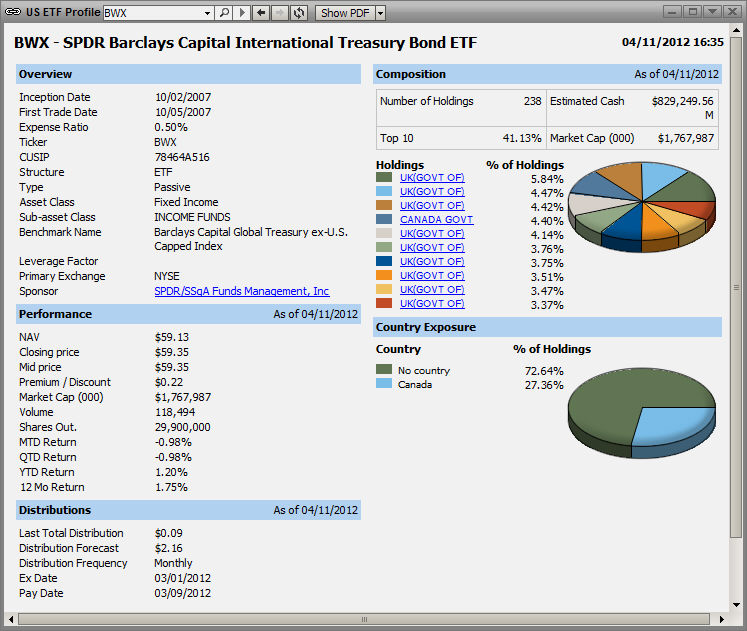
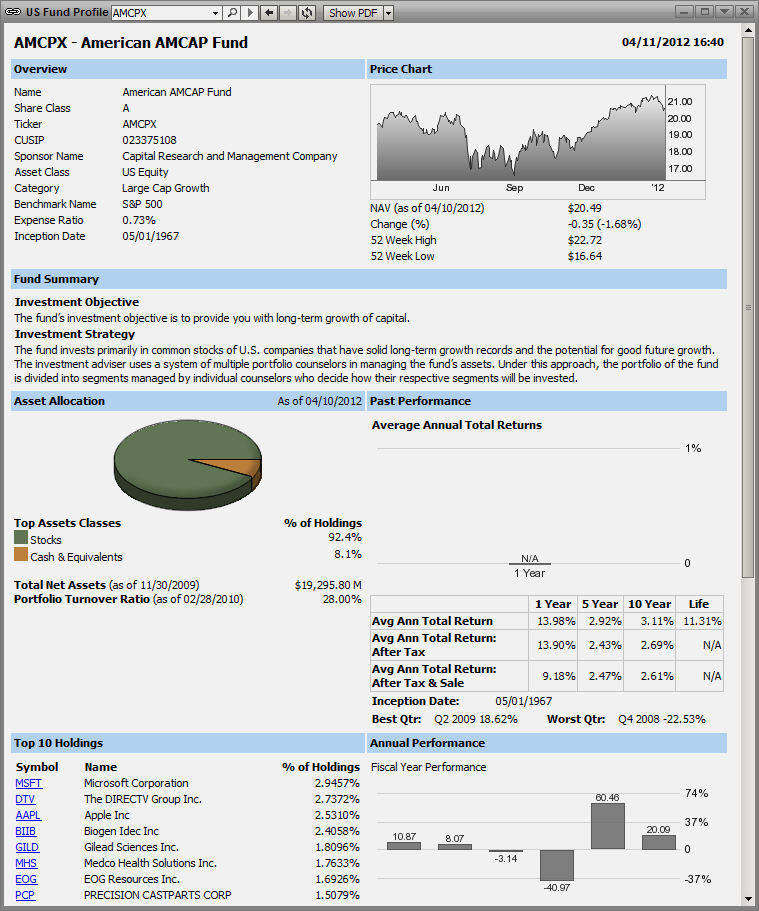
When several symbols have been added to the ETFs and Funds Window they can then be re-accessed by using the forward and back arrows to the right of the GO button or by clicking the down arrow to pulldown.
The Magnifying glass brings up the standard Symbol Search.
To the right of the forward arrow is a Refresh button which will refresh the window should there be problems in rendering due to changes in window dimension, etc.
Finally, the window can also be shown as a PDF.
ETF (Exchange Traded Fund) and Fund information is available in 4 varieties
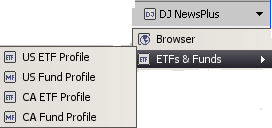
Canadian ETFs and Canadian Funds are also available.