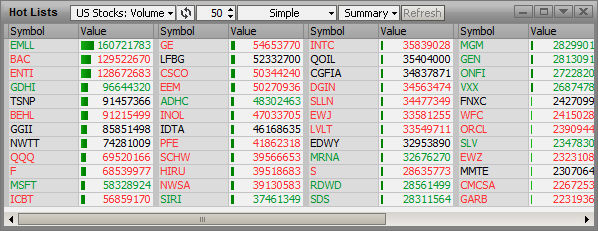
Connect scans the U.S. stock exchanges to find stocks that meet a specific criteria, such as Percent Gainers, Percent Losers, or Volume. There are over 90 criteria to select from. The results of the scans are shown on the Hot Lists. The Hot Lists are updated every 30 seconds, in a real-time environment. The data shown on the Hot Lists are gathered daily, which means that every evening the Hot Lists are cleared and reset.
You can select a symbol from the Hot Lists and have Watch List window appear. You can change colors of the text, background and directional indicators. You can add alerts or go directly to Research from the Hot Lists. You can also add window options to a page from the Hot Lists.
Because Hot Lists are automatically generated using a predetermined scanning criteria, none of the symbols can be changed.
Because Hot Lists are automatically generated using Market Data scanning criteria, none of the symbols can be changed.
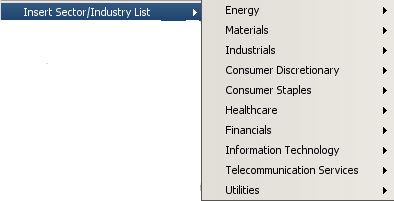
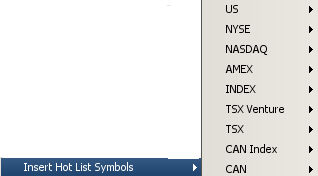
You can now dynamically enter Sector or Hotlist Symbols directly into your Watch List. This is done by selecting Insert Sector/Industry List or Insert Hotlist Symbols from the Context Menu.