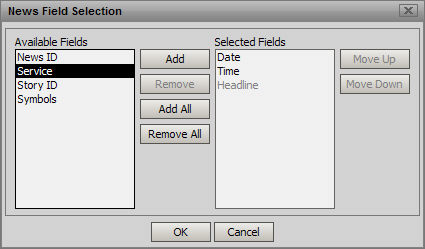
The News table can be reconfigured by adding, removing, or rearranging fields.
To access these options, right click inside the News window. Click on the Fields option. The News Field Selection pop-up window displays.
To add a column to the table, highlight an entry in the Available Fields list. Click the Add button. The entry is added to the Selected Fields list
To add all columns to the table, click the Add All button. All of the entries in the Available Fields list are added to the Selected Fields list.
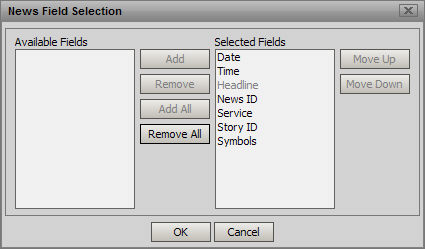
To remove a column from the table, highlight the entry in the Selected Fields list. Click the Remove button. The entry is added to the Available Fields list.
To remove all of the columns from the table, click the Remove All button. All of the entries except for headine (which cannot be removed) move from the Selected Fields list to the Available Fields list.
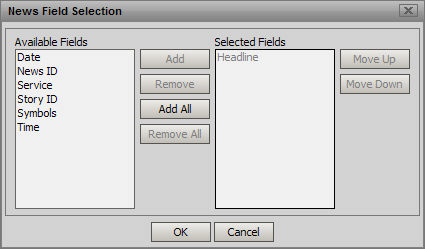
Rearrange columns by clicking an entry in the Selected Field list and click either the Move Up or Move Down button, until the entry is properly placed.
Note: Be careful when using the Add All and the Remove all features.
When done, click OK. The changes are applied.